
Salon & Beauty Business · Online Booking · Small Business Growth
How to Avoid Double Bookings at Your Salon in India
A practical guide for Indian salons to manage walk-ins and online appointments in one schedule, set realistic service durations, assign staff, and prevent booking conflicts.
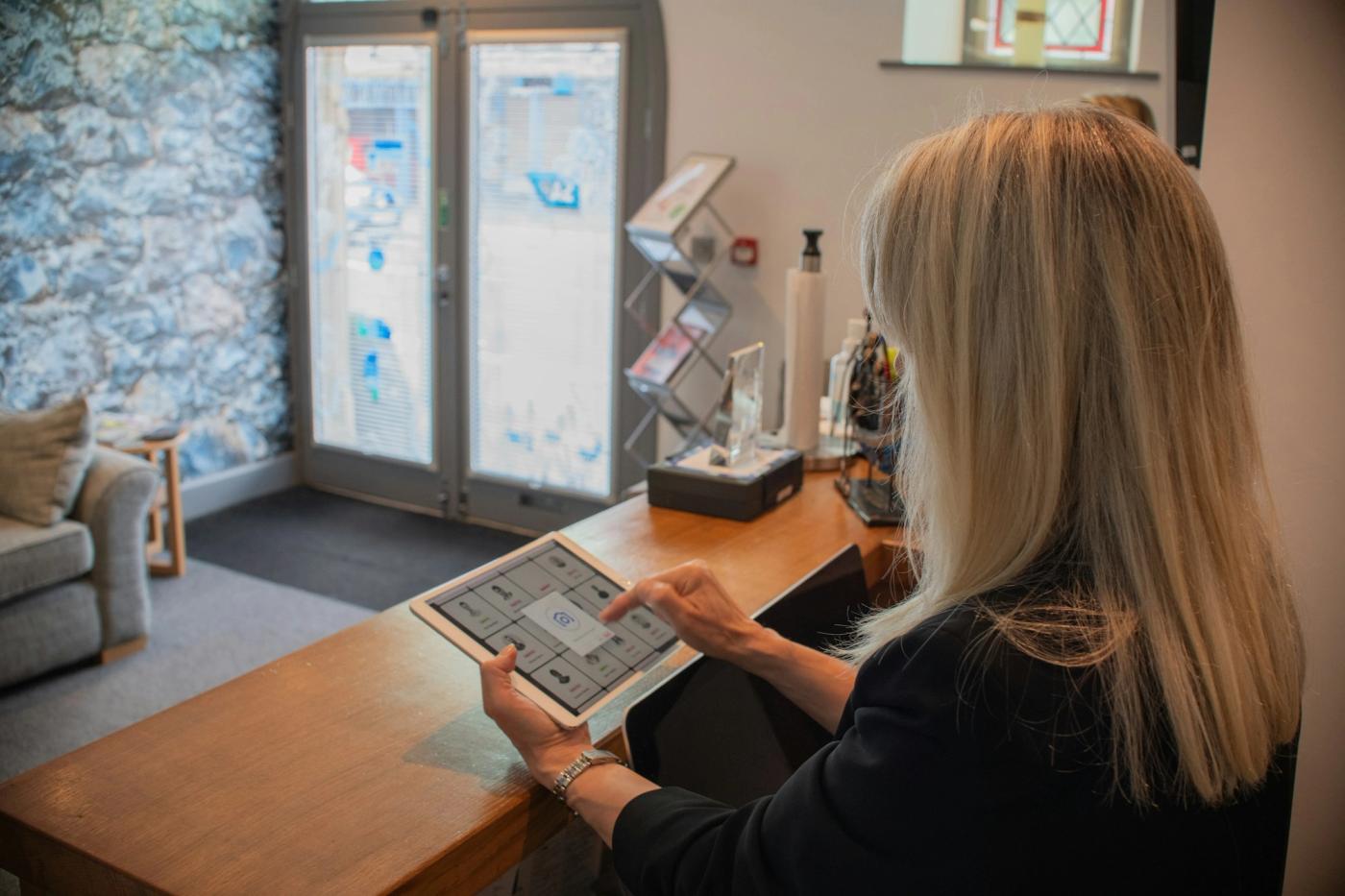
A busy salon can have a full appointment book and still lose time to one avoidable problem: two customers being promised the same slot. It often happens when online bookings, phone calls, WhatsApp messages, social media enquiries, and walk-ins are handled in separate places.
The fix is not simply to stop accepting walk-ins or to turn off online booking. It is to create one clear scheduling process that every staff member follows. This guide explains how Indian salons and beauty parlours can manage both channels without overpromising a time slot.
Why double bookings happen
Most booking conflicts come from a gap between the way a request arrives and the place where the appointment is recorded. Common causes include:
- A customer books online while a staff member is still discussing the same slot with someone on WhatsApp.
- A walk-in is told that a stylist is free before the calendar is checked.
- The calendar records the start time but not the full service duration, cleaning time, or preparation buffer.
- A booking is assigned to the salon but not to a specific available staff member, room, or equipment when those resources matter.
- A cancellation arrives in a chat, but nobody updates the official schedule.
The underlying issue is multiple sources of truth. If the paper diary, phone, messaging inbox, and online calendar can each show a different answer, conflicts are likely.
1. Choose one official appointment calendar
Decide which calendar is the final record for every appointment. It could be a booking platform or a shared calendar that your team can update in real time. The important rule is that every request, whatever its source, must be checked against that same schedule.
If a customer asks by phone or WhatsApp, check the calendar first and enter the booking immediately after the customer agrees. If the customer books online, staff should not create a separate paper entry that can drift out of date. A paper diary can still be useful as a backup, but it should not become a second independent calendar.
2. Set realistic service durations and buffers
Do not schedule every service into a generic 30-minute slot. A haircut, hair colour, facial, bridal trial, and consultation can require very different amounts of time. Set a realistic duration for each service and include a buffer where staff need time to clean, prepare products, or reset a treatment room.
Use this simple setup checklist:
- Write down each service and its usual duration.
- Add preparation or cleanup time where needed.
- Decide whether a service can be booked with any staff member or only with a trained specialist.
- Review the actual duration after a week or two and adjust slots that routinely run over.
A schedule with honest durations is more useful than a calendar that looks full but repeatedly runs late.
3. Check staff availability, not just salon availability
A salon may be open at 5 PM while the stylist requested by the customer is already booked. Before confirming, check the service duration and the assigned staff member's working hours. For services that need a particular room, chair, machine, or treatment bed, include that resource in the check too.
For a salon with several employees, agree on a simple assignment rule. For example, the receptionist can offer the next suitable available staff member, while a customer who requests a particular stylist gets only the times that person can actually provide.
4. Record walk-ins before promising a time
Walk-ins are part of everyday salon business, especially during evenings, weekends, and festival periods. The safest process is to check the same calendar used for online appointments before promising an immediate service.
- Ask which service the customer needs and whether they have a preferred staff member.
- Check the realistic service duration and the next suitable opening.
- If a slot is available, add the walk-in to the calendar before directing the customer to wait.
- If no slot is available, offer the next realistic time or keep a waitlist if your process supports one.
Avoid saying “come in 15 minutes” based only on how busy the salon looks. A stylist may be finishing a service that needs another 20 minutes, even if the chair appears almost free.
5. Use clear booking statuses
Choose a small set of statuses and use them consistently. For example:
- Requested: the customer has asked for a slot, but it is not yet confirmed.
- Confirmed: the time, service, and staff assignment have been agreed.
- Arrived: the customer has checked in.
- In service: the appointment has started.
- Completed: the service is finished.
- Cancelled or rescheduled: the old slot has been released or replaced.
The exact labels can vary. What matters is that staff know when a slot is truly reserved and when it becomes available again. A request in a chat is not the same as a confirmed appointment.
6. Make confirmations and changes easy to follow
Send a concise confirmation that repeats the date, time, service, location, and staff member when relevant. If the customer asks to change the time, update the official calendar first, then confirm the new slot. Do not leave the old booking in place while assuming the team will remember the change.
Appointment reminders can help customers remember their visits, but reminders alone do not prevent double bookings. The schedule still needs to be updated whenever a booking is created, cancelled, or moved. Use WhatsApp or SMS only in line with the communication preferences and consent your business has collected.
7. Reconcile the schedule at opening and closing
A short daily check can catch mistakes before they affect customers. At opening, review the day's appointments, staff rosters, and any special services that need extra time. At closing, confirm that completed appointments are marked correctly and that cancellations or reschedules have not left confusing entries for tomorrow.
For a small salon, this check can take only a few minutes once the team follows the same process. For a multi-branch business, each location should have clear ownership for updating its own schedule and escalating conflicts.
Walk-in and online booking checklist
Before confirming a booking, ask:
- Am I checking the one official calendar?
- Is the requested slot free for the full service duration?
- Is the right staff member available?
- Does the service need a particular room, chair, or piece of equipment?
- Have I entered the booking and marked it as confirmed?
- If the customer changed or cancelled, have I updated the original slot?
- Has the customer received the correct time and service details?
Keep this checklist near the reception desk and train every person who answers booking enquiries to use it.
What to look for in salon booking software
If you are comparing salon booking software, do not evaluate it only by how attractive the booking page looks. Test the situations that cause problems in your actual business.
- One shared calendar for online appointments and staff-entered bookings.
- Availability based on service duration and staff schedules.
- A clear way to update, cancel, or reschedule an appointment.
- Booking confirmations and reminder options that match your workflow.
- Access controls so staff know who can create or change bookings.
- Branch-level visibility if you operate at more than one location.
- A way to review the day's appointments and identify conflicts quickly.
Ask the provider to demonstrate a real scenario: one customer books online, another walks in for the same time, and a staff member receives a cancellation. Watch whether the schedule updates clearly and whether the receptionist can see the correct next available slot. Confirm the exact features included in the plan you intend to use.
How this applies to clinics and other appointment businesses
The same single-calendar principle can help dental clinics, skin clinics, physiotherapy centres, and other appointment-based businesses. However, clinical settings may also need provider-specific scheduling, room or equipment allocation, privacy controls, and workflows for different appointment types. Do not assume that a general salon booking tool is a full clinic management system. Check that the software supports the operational and privacy requirements of your practice.
Frequently asked questions
Can salon booking software completely prevent double bookings?
It can reduce the risk when availability is shared and updated consistently, but no tool can compensate for staff bypassing the process or entering incorrect durations. Test the workflow with real examples before relying on it.
Should a salon stop accepting walk-ins after enabling online booking?
Not necessarily. Walk-ins can continue if staff check the same live schedule before confirming a time and enter the booking immediately. If the next suitable slot is later, offer that time rather than promising an unavailable one.
Is WhatsApp enough to manage appointments?
WhatsApp is useful for enquiries and customer communication, but a chat history is difficult to use as the only schedule when several employees handle bookings. Keep one official calendar and update it whenever a customer confirms, changes, or cancels.
What if a customer arrives early or a service takes longer than planned?
Explain the realistic waiting time, check whether another suitable staff member is available, and update the team if the delay affects later appointments. Use service buffers for tasks that often run over. Avoid moving another customer's confirmed appointment without their agreement.
Can this process work for a multi-branch salon?
Yes, but each branch needs clear ownership of its calendar, staff roster, and booking changes. If customers can book across locations, confirm that the software shows the correct branch, staff, service, and available time before the booking is accepted.
Make every booking follow the same process
The practical goal is simple: customers should be able to request a time through the channel they prefer, while your team sees one reliable schedule. Start by standardising the calendar, service durations, staff assignment, booking statuses, and cancellation process. Then test whether your current tools support those rules without extra manual work.
If you are reviewing booking and management software for your salon or service business, explore mbiz.online and assess how its current workflows fit your team. Test your real walk-in, online booking, rescheduling, and staff availability scenarios before choosing a setup.